How to Turn Your Apple TV Into a Living-Room Photo Booth for Parties & Birthdays
Dedicated iPad ring-light photo booths cost hundreds to rent. If you already own an Apple TV 4K and an iPhone or iPad, you have a 65-inch interactive photo booth sitting in your living room right now.
Why do people crowd around photo booths at weddings and birthday parties? Because seeing yourself live alongside your friends sparks instant energy, goofy poses, and zero awkwardness — and a countdown timer builds anticipation before every flash.
With FamJam on Apple TV 4K, your television becomes that exact shared stage for kids' birthdays, Friendsgiving, game nights, and New Year's Eve — using the camera hardware already in your pocket.
30-Second Party Photo Booth Checklist
Prop a spare iPad or your iPhone beneath the TV
Plug it into a short charging cable if your party runs all evening. Connect it to FamJam on Apple TV 4K and leave the live viewfinder up on the big screen.
Hand guests the Siri Remote
There are zero complicated camera settings to accidentally mess up — just Photo, Video, Memories, and Center Stage. Kids and grandparents pick it up in five seconds.
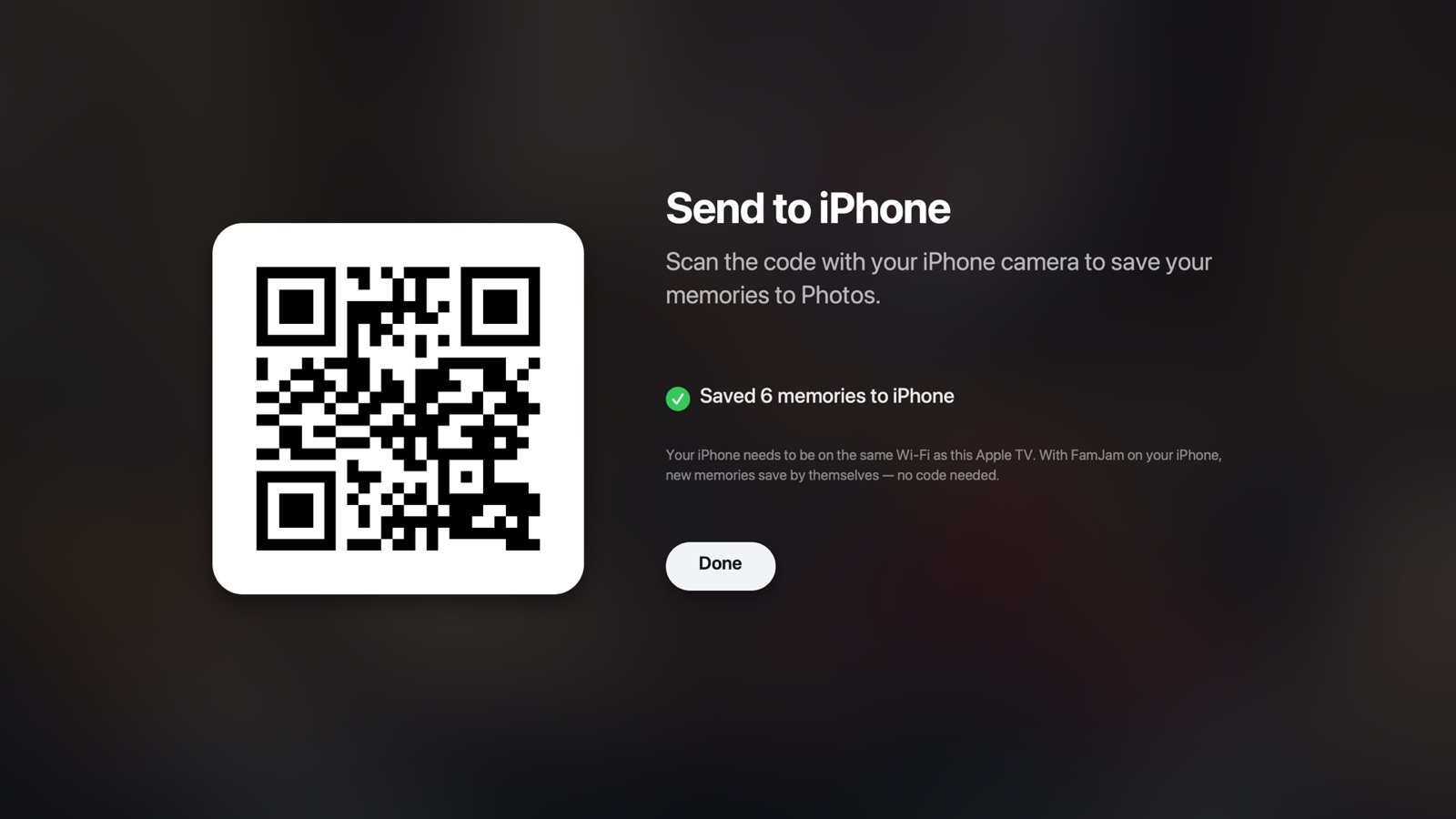
Display the Memories QR screen at the end of the night
Switch to Memories › Send to iPhone. Friends on your Wi-Fi scan the code once with their phone camera and save their favorite party strips and videos directly from Safari.
Rental Photo Booth vs. DIY iPad App vs. FamJam on Apple TV
| Feature | Rental Booth ($400+) | Standalone iPad App | FamJam on Apple TV |
|---|---|---|---|
| Screen size | 10–13 inches | 11–13 inches | 55–85 inch 4K TV |
| Fits 10+ people comfortably | Tight squeeze | Arms-length only | Yes — wide Center Stage |
| Wireless handheld shutter | Touchscreen tap | Touchscreen tap | Siri Remote from anywhere |
| Guest delivery | SMS / email harvesting | Cloud link / email | Local Wi-Fi QR (zero data collected) |
Party Booth Ideas That Guests Love
Sunglasses, New Year's hats, or chalkboard signs turn a casual living room into an instant magnet for group shots.
Have each family group click Video and record a short birthday toast or holiday message — everything stays organized by day in Memories.
Try FamJam on your Apple TV tonight
No account, no cloud uploads, and zero tracking. Set your iPhone or Center Stage iPad near the TV and capture everyone together.
Frequently Asked Questions
Can Android guests save photos from the TV QR code too?
Yes! The guest QR code opens a standard local web page over your home Wi-Fi, so both iPhone and Android guests on your Wi-Fi can view and download memories from their browser without installing anything.
Are the original photos altered if someone adds a frame?
Never. The Apple TV and your Photos library always store the clean, full-resolution unwatermarked original. The optional FamJam Polaroid date frame is only drawn onto a temporary copy when sharing.