How to Take Thanksgiving & Christmas Family Photos Without a Tripod or 10-Second Sprint
Every holiday has one designated photographer who is missing from half the family album — or caught mid-sprint diving onto the couch arm. Turn your living-room TV into the viewfinder so everyone is actually in the memory.
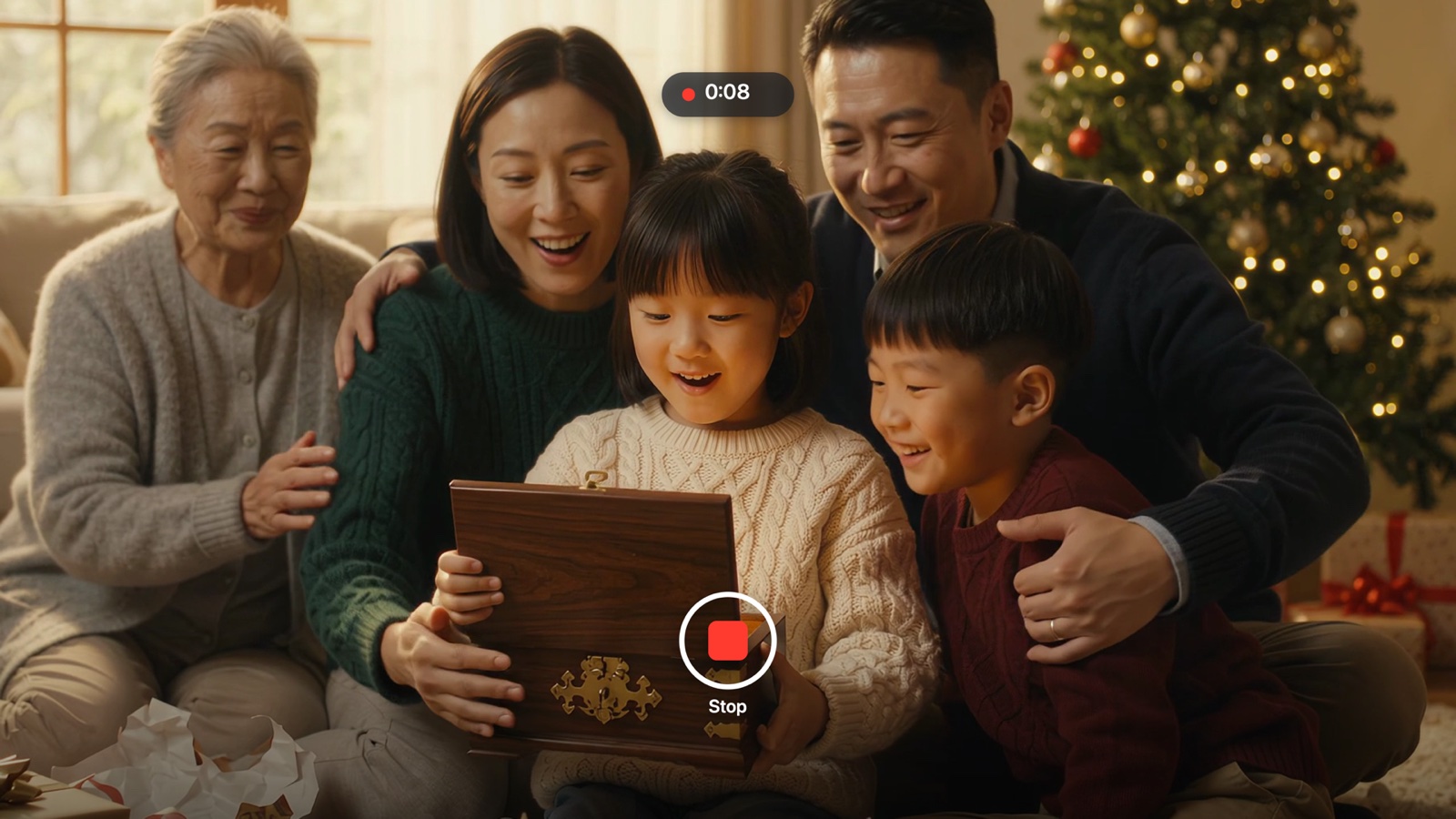
Think about your last Thanksgiving or Christmas Eve group photo: someone balanced an iPhone against a candle jar, tapped the 3-second timer, bolted across the rug, and snapped a frame where Grandpa's eyes were closed and two cousins were half cropped out.
Or worse — on Christmas morning, one parent watches the kids unwrap every gift through a 6-inch screen instead of sitting on the floor beside them. When your Apple TV is the camera, both parents sit in the moment while capturing the whole room hands-free.
3 Holiday Moments FamJam Captures Effortlessly
The Whole-Sofa Thanksgiving & Christmas Portrait
Seat 8 to 12 people across the sofa, floor cushions, and armchairs. Because everyone sees the live 65-inch preview simultaneously, kids fix their own silly faces and nobody is hidden behind someone's shoulder before you click Photo.
Hands-Free Gift Unwrapping Videos
Tap Video on the Siri Remote before handing over the first wrapped box. Center Stage gently follows the action across the living room while capturing genuine laughter and reactions — with both parents right in the frame.
Sending Keepsakes Home Before Dessert Ends
Before relatives put their coats on, open Memories › Send to iPhone on the TV. Everyone in the room scans the QR code on screen and saves their favorite shots straight to their own phone over Wi-Fi — no nagging in group chats three weeks later.
Holiday Group Photo Methods Compared
| Setup | Prep Time | Framing Visibility | Parent in the Shot? |
|---|---|---|---|
| Someone holds the phone | 0 sec | High | No — photographer left out |
| Bookshelf + 10s self-timer | 2–5 min | Zero — guessing blind | Halfway diving onto sofa |
| Plastic tripod + Bluetooth clicker | 5–10 min | Tiny screen 12 ft away | Yes (if battery isn't dead) |
| FamJam on Apple TV 4K | 15 sec | 65-inch 4K live mirror | 100% — seated & relaxed |
Holiday Host Playbook
Launch FamJam once while setting out appetizers so your iPhone or iPad is already paired. Later, capturing the whole table takes one click.
When texting a holiday photo from the FamJam iPhone or iPad app, leave the FamJam Frame switch on to add a crisp white Polaroid border with the exact date — while keeping your original in Photos untouched.
Try FamJam on your Apple TV tonight
No account, no cloud uploads, and zero tracking. Set your iPhone or Center Stage iPad near the TV and capture everyone together.
Frequently Asked Questions
Do visiting relatives need to download the app to get the photos?
Not at all. When you open Send to iPhone on Apple TV, guests on your home Wi-Fi simply point their regular Camera app at the QR code. A private local web page opens directly from your Apple TV in Safari so they can tap any photo or video to save it.
Is FamJam free for Thanksgiving and Christmas?
Yes — FamJam 1.0 is 100% free with no subscription, no ads, and no sign-up.