Get the most out of Continuity Camera on Apple TV.
Practical setup guides for turning your Apple TV 4K and iPhone or Center Stage iPad into a hands-free family camera — for Thanksgiving, Christmas morning, birthdays, and everyday memories.
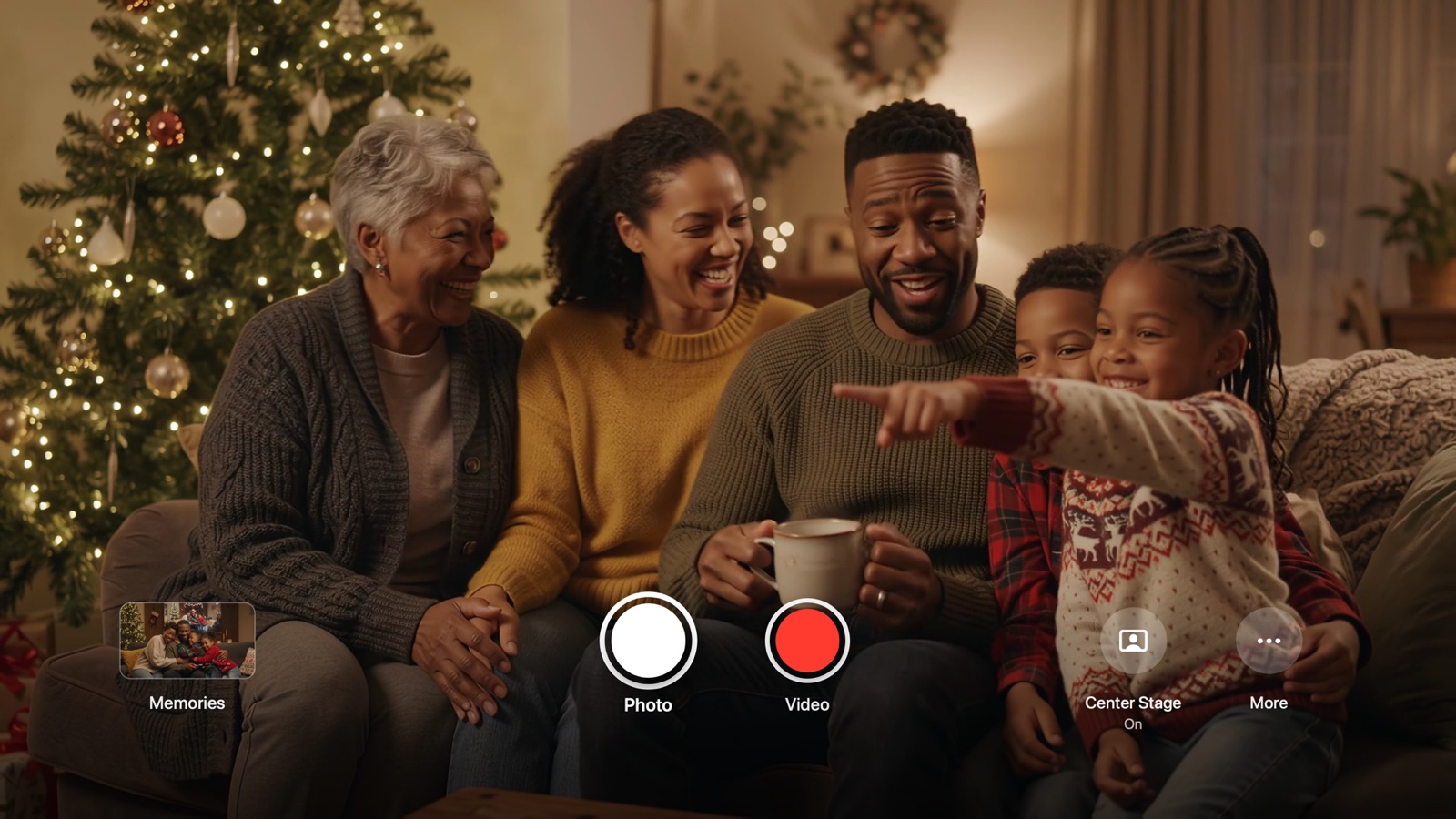
How to Take Photos and Videos on Apple TV Using Continuity Camera
Apple built Continuity Camera into tvOS 17 for FaceTime calls — but left out a shutter button. Here is how to turn your Apple TV 4K into a live big-screen camera with Siri Remote controls and automatic saving to Photos.
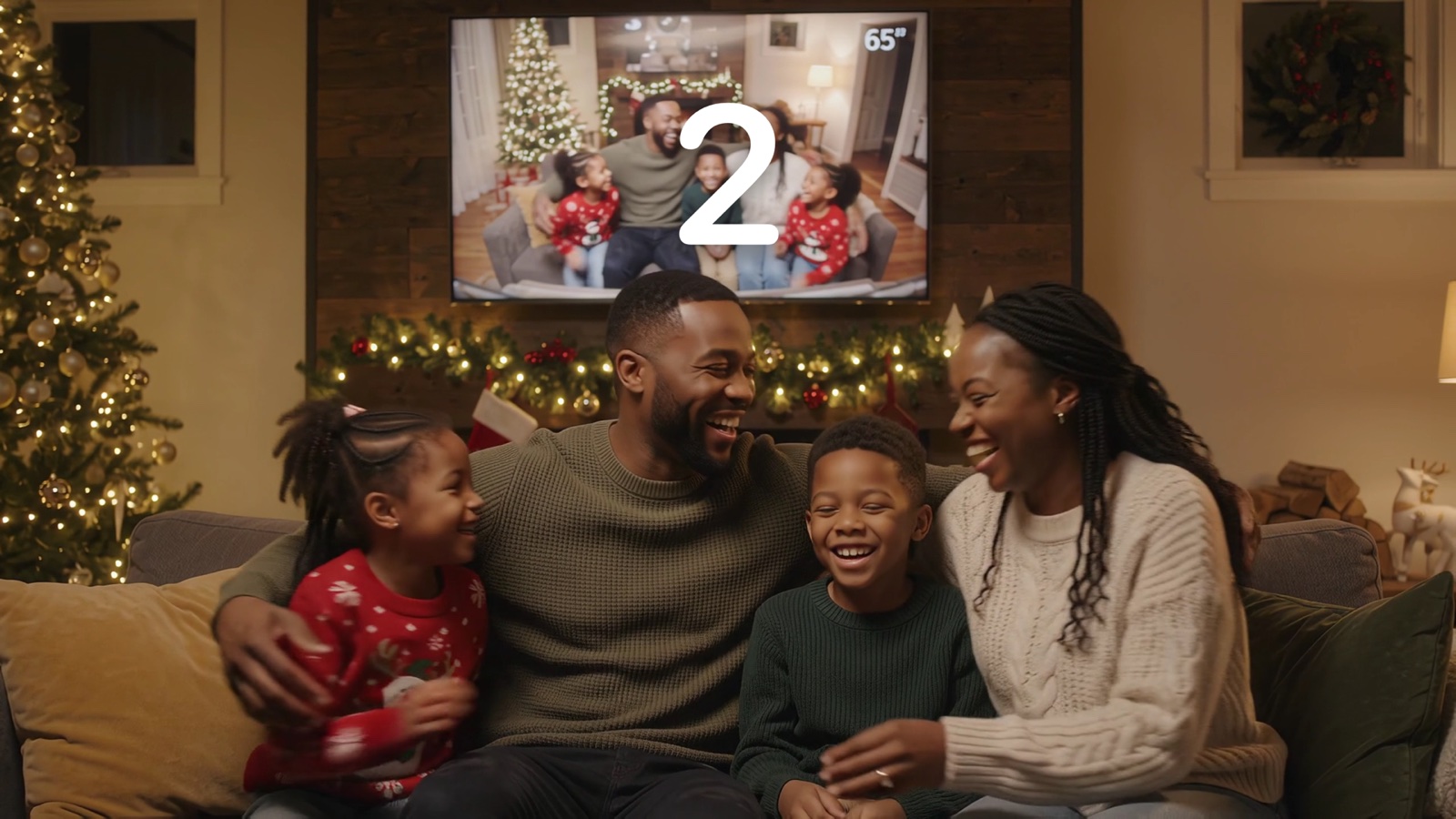
Using an iPad as Your Apple TV Continuity Camera (While Keeping Your iPhone in Hand)
Giving up your iPhone by the TV means nobody on the couch has their phone in hand. Using a family iPad as the Continuity Camera solves that completely — and unlocks live saving on your iPhone as you shoot.
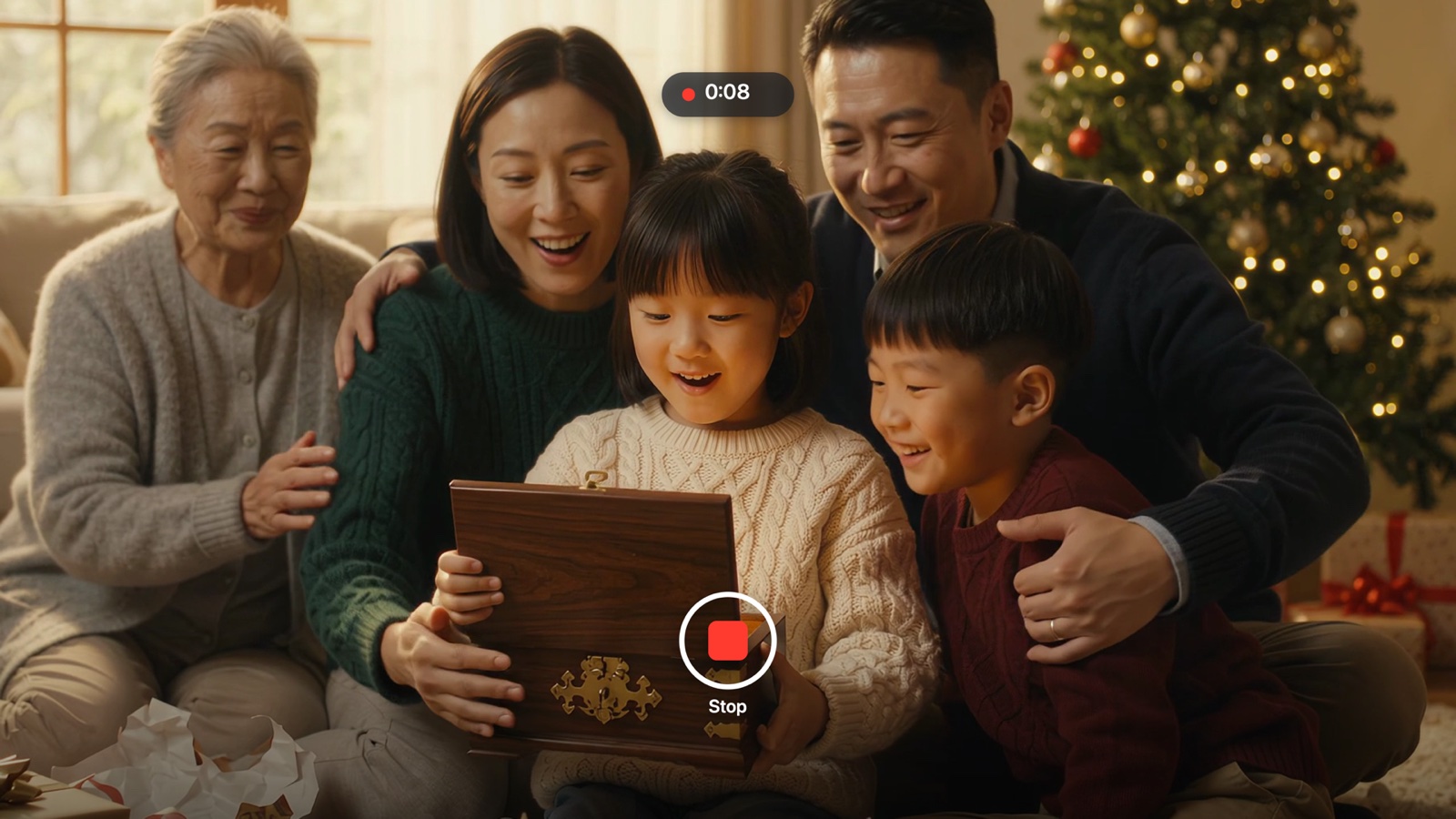
How to Take Thanksgiving & Christmas Family Photos Without a Tripod or 10-Second Sprint
Every holiday has one designated photographer who is missing from half the family album — or caught mid-sprint diving onto the couch arm. Turn your living-room TV into the viewfinder so everyone is actually in the memory.
How to Turn Your Apple TV Into a Living-Room Photo Booth for Parties & Birthdays
Dedicated iPad ring-light photo booths cost hundreds to rent. If you already own an Apple TV 4K and an iPhone or iPad, you have a 65-inch interactive photo booth sitting in your living room right now.
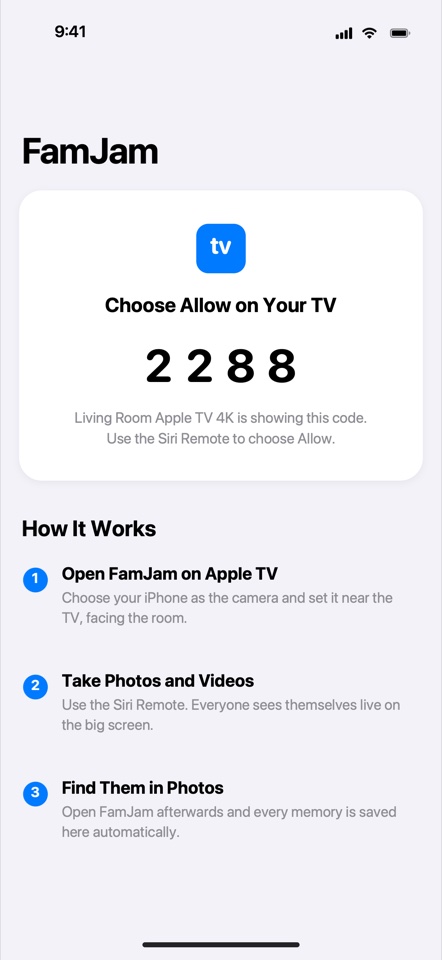
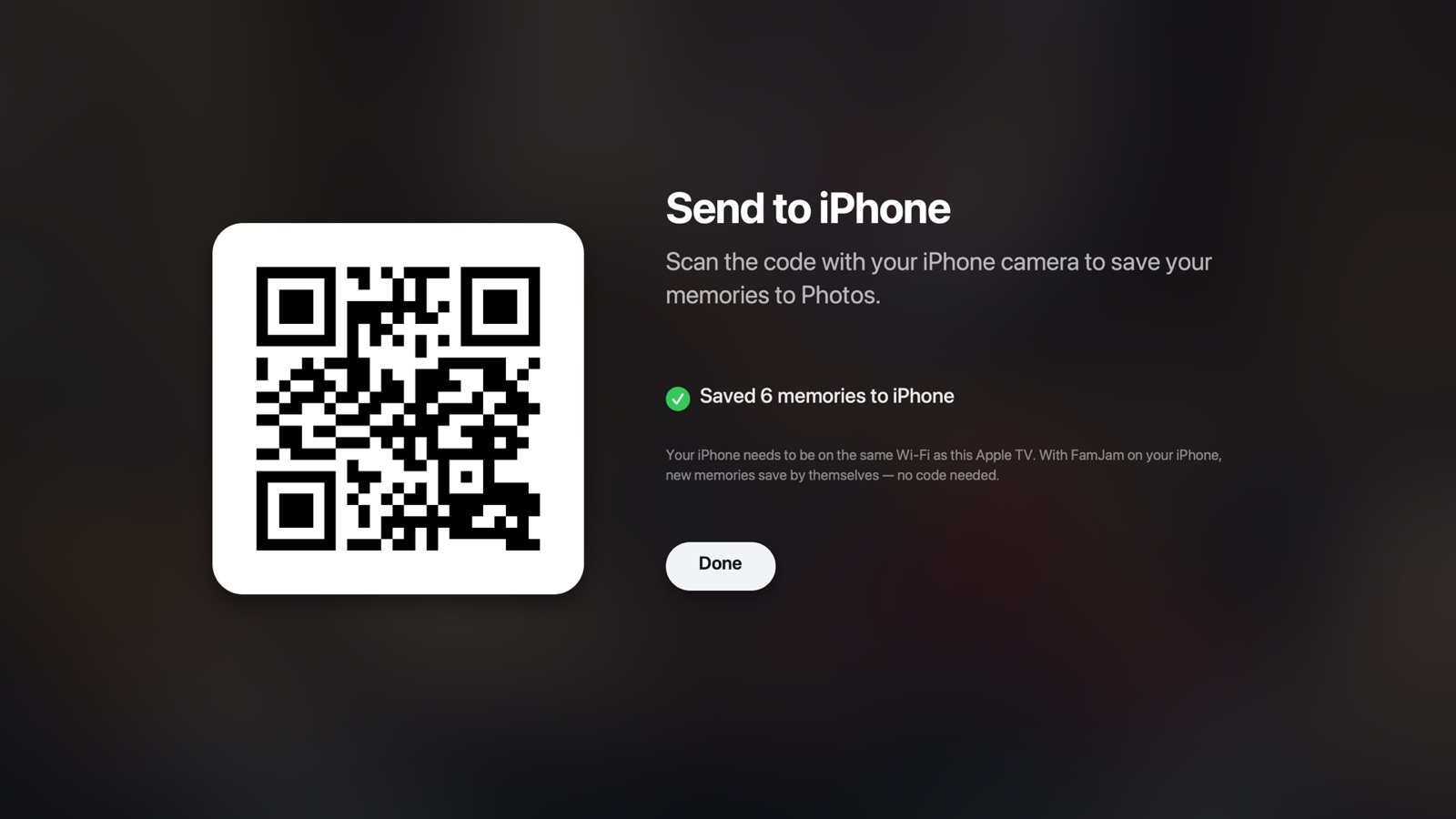
Zero-Cloud Family Photography: How FamJam Keeps Kids & Home Photos Off External Servers
Photos of your children and your living room do not belong in a startup's S3 bucket. Here is how FamJam pairs Apple TV with your iPhone or iPad strictly inside your own four walls.
Ready to put everyone in the picture?
Download FamJam free on Apple TV 4K, iPhone, and iPad — and capture your next family gathering on the big screen.